Start with a photo
Upload a clear image of the room you want to prepare for a listing.
Turn an empty room into a more inviting listing photo. Choose a space, set a style, and prepare a polished image for your next showing.
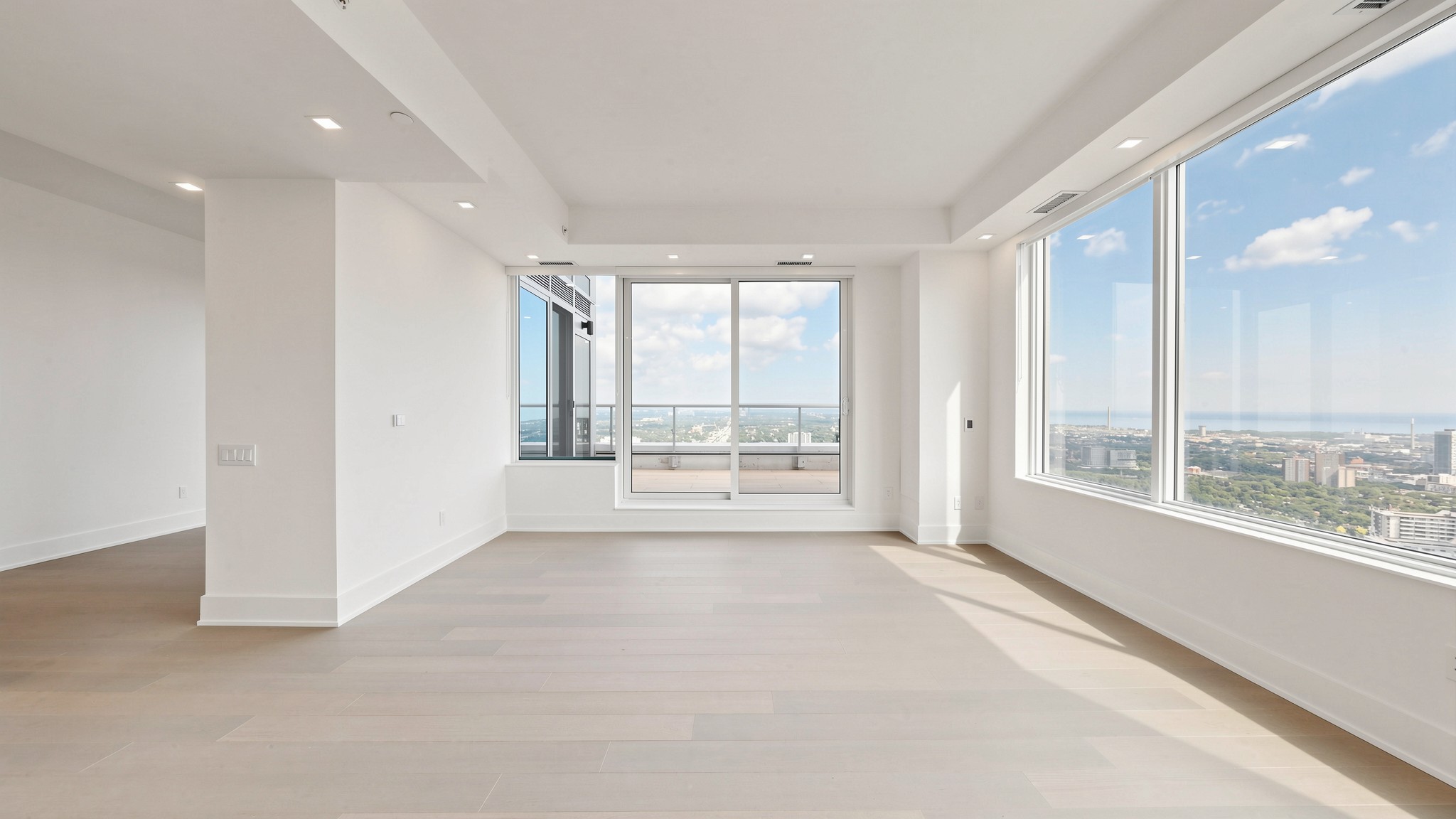 A room ready for its next chapter
Keep the process simple and stay in control of the choices that shape the final image.
Upload a clear image of the room you want to prepare for a listing.
Set the room, staging mode, and style that fit the property.
Compare the result, select a version, and download your listing image.
Compare the original room photo with a furnished staging example. Drag the divider to explore both views.
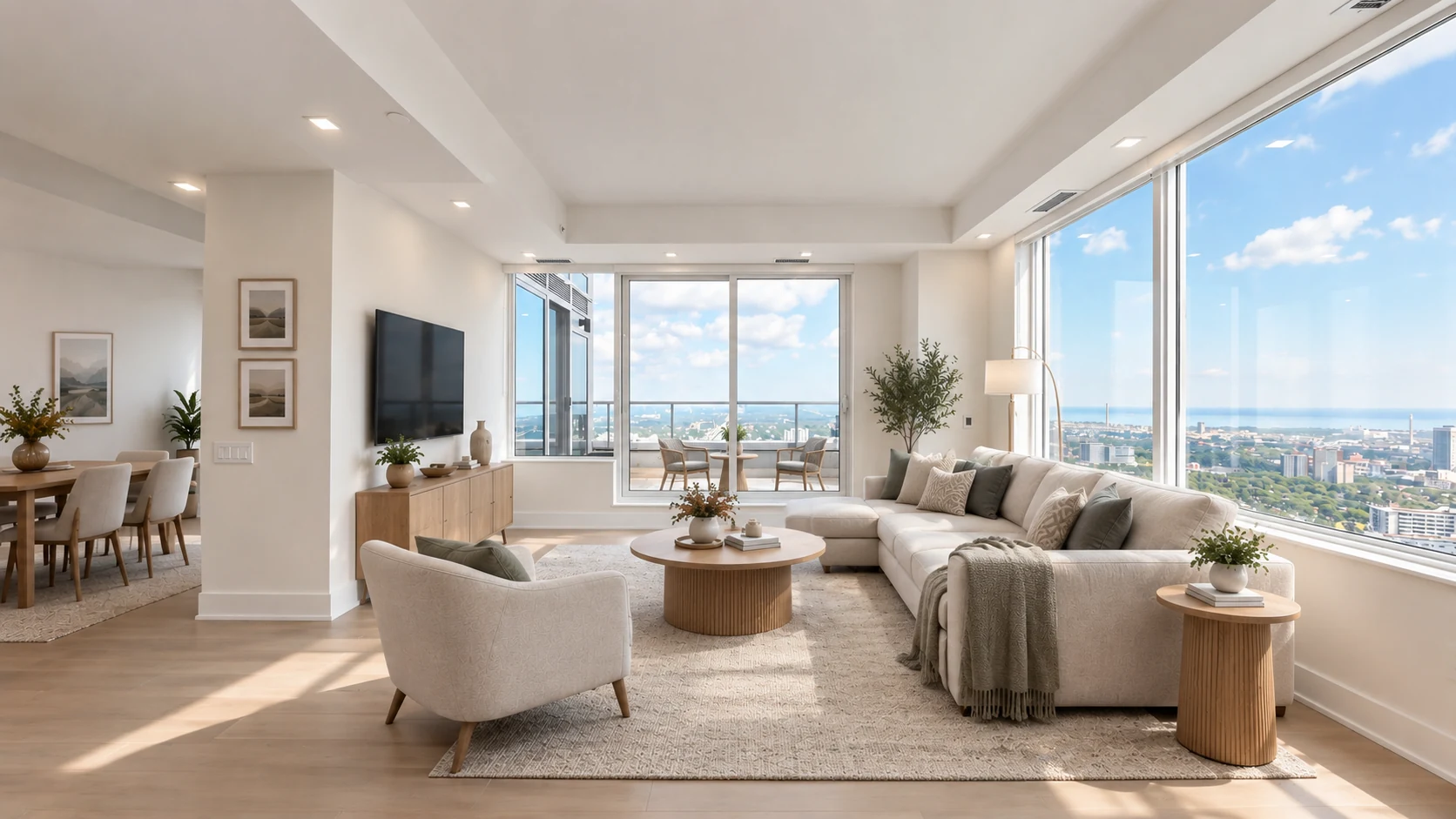
Example images are for illustration. Results depend on the photo and selected staging direction.
Choose the kind of change that will help people understand the potential of a space.
Furnish an empty room while keeping its shape and architecture in view.
Explore a fresh direction for a room with a considered design style.
Clear movable furniture to show the room ready for a fresh start.
Start with one photo and see where a considered first impression can take you.